To reclaim SOL rent, our top pick in 2026 is Sol Incinerator (8.7/10), because it has the longest track record (live since December 2021), its default mode only closes empty accounts, and it keeps about 2% of the rent it recovers. Sol-Cleaner (5.5) is second for anyone who wants account cleanup and a trading terminal in one place, though it doesn't publish its fee. RefundYourSOL (6.7) works for wallets holding zero SOL (15% default fee, 1.85% with its fee match). Your Free SOL (6.3) has volume-based fee levels, Claim Your Sol (7.0) is a simple 5% option, and Unclaimed SOL (8.6) charges 2% and has the only public audit on this list.
Risk notice: Crypto trading is high risk and memecoins can go to zero in minutes. Trading bots use hot wallets. This page is not financial advice; only trade what you can afford to lose.
Every token you buy on Solana gets a token account, and that account holds a refundable rent deposit. After you sell, the account usually stays open and empty, with the deposit locked inside (Solana docs). A SOL reclaim tool finds those accounts and closes them so the SOL comes back to you. Before connecting anything, paste your address into our read-only SOL reclaim estimator to see how much there is. Background: Solana rent explained.
1. Sol Incinerator: best overall
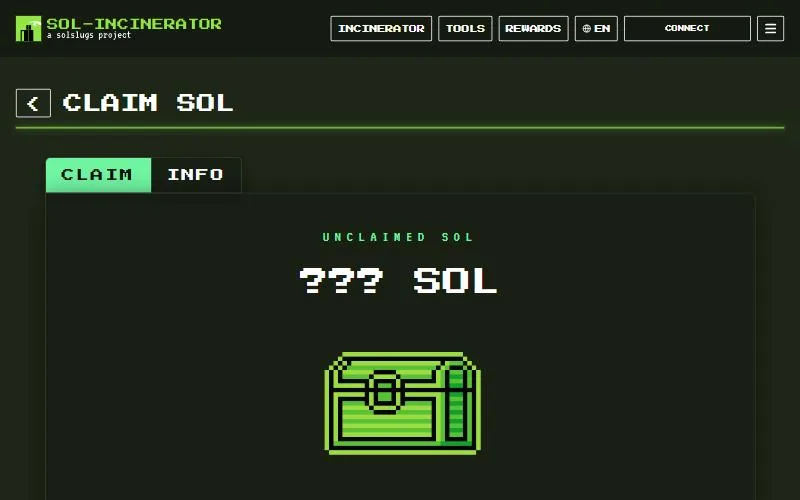
Sol Incinerator says it has been "live since December 2021", the longest record of any tool we checked. Its default Fun Mode "only closes empty token accounts and reward accounts after claiming available rewards" and "never burns tokens or NFTs". For legacy accounts it pays you a flat 0.002 SOL out of about 0.00204 SOL of rent, a fee of about 1.93%. After Solana's 2026 rent cuts, it describes the fee as 2% of the gross amount recovered (Sol Incinerator).
Pro Mode adds burns for tokens, NFTs, compressed NFTs, domains and LP positions you select (docs). It can advance network fees if your wallet has no SOL, and publishes a security policy with a bug bounty.
- Watch out for: no public audit or open-source code that we could find, and drainer clones at sol-incinerator[.]tax (PCrisk) and sol-lncinerator[.]org, with a lowercase "l" in place of the "i" (PCrisk).

Visit Sol Incinerator8.7/10 overall · The longest-running SOL reclaim tool, live since December 2021
Visit Sol Incinerator2. Sol-Cleaner: cleanup plus a trading terminal
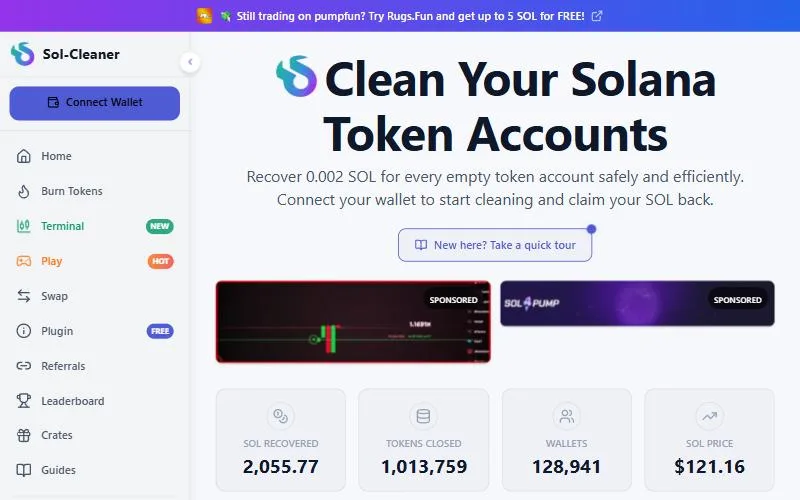
Sol-Cleaner offers one-click cleaning to "close empty token accounts, burn unwanted SPL tokens, and recover SOL rent", and has launched a Sol-Cleaner trading terminal. You approve every transaction in your own wallet.
- Watch out for: we couldn't find its fee on its own site. Sol Incinerator's July 2026 comparison says Sol-Cleaner's FAQ advertised a flat 5%, which we could not confirm. No launch date, team, audit, or NFT and Token-2022 details are published.
More in our Sol-Cleaner review.

Visit Sol-Cleaner5.5/10 overall · Wallet cleaner with a built-in trading terminal
Visit Sol-Cleaner3. RefundYourSOL: best for wallets with zero SOL
RefundYourSOL has a Fee Payer mode that "covers transaction fees when your wallet has zero SOL" and Safety Burns that flag valuable tokens before you burn them. It says it has processed 650,000+ wallets. The catch is price: its standard fee is 15% of recovered SOL, which drops to 1.85% only if you use its competitor fee-match (RefundYourSOL). Its GitHub holds docs and API references, not the app's source.
- Watch out for: fake copies at refundyoursol[.]io (PCrisk) and migrate-refundyoursol[.]xyz (PhishDestroy). One Trustpilot reviewer alleged unauthorized burns in October 2025; the company denied it, and we found no confirmed incident.

Visit RefundYourSOL6.7/10 overall · Feature-rich reclaim tool with Safety Burns and Fee Payer mode
Visit RefundYourSOL4. Your Free SOL: volume discounts
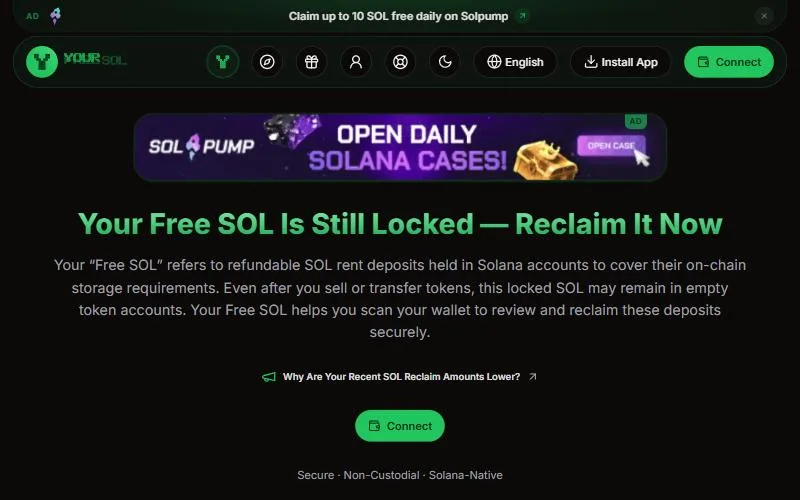
Your Free SOL closes empty SPL and Token-2022 accounts you select and says your "fee decreases as your lifetime usage grows", advertising rates "down to 2%". Its fee page lists 5% for burn-and-close batches of 1-10 accounts and 4% for 11-20, and VIP levels that unlock at 600 and 2,000 cumulative items. It also claims Pump.fun and PumpSwap cashback rewards.
- Watch out for: the base reclaim rate for new users isn't on the public fee page (it's shown in the app before you sign), and it discloses no launch date, team or audit.
More in our YourFreeSOL review.

Visit Your Free SOL6.3/10 overall · Reclaim tool with volume-based VIP fee levels
Visit Your Free SOL5. Claim Your Sol: simple batch cleanup
Claim Your Sol detects empty accounts, closes them in batches and can burn unwanted tokens and NFTs. It says "a 5% donation is included from the recovered SOL". Its public ledger shows about 94,700 SOL recovered, and Solana Compass lists it as launched in January 2023, with no third-party audit disclosed.
- Watch out for: a fee more than double Sol Incinerator's or Unclaimed SOL's, and a drainer clone at claimyoursol[.]cc (PhishDestroy).

Visit Claim Your Sol7.0/10 overall · Simple batch closer and burner with a public claim ledger
Visit Claim Your Sol6. Unclaimed SOL: most recovery types, audited
Unclaimed SOL's fee schedule charges "the greater of 2% or rent above 0.002 SOL" per closed token account, which works out to 2% in practice. It closes SPL and Token-2022 accounts, burns eligible spam NFTs for a fixed fee, and also recovers deactivated stake, program buffers, excess lamports and some trading rewards at 3%-5%. It is the only tool here with a public third-party audit: CyberScope rated it Low Risk in January 2025.
- Watch out for: a shorter record (its about page says it started in early 2025) and a 30% fee on "specialized recovery".

Visit Unclaimed SOL8.6/10 overall · Audited reclaim tool that also recovers stake, buffer and reward SOL
Visit Unclaimed SOLSOL reclaim fees compared
| Tool | Fee on token accounts | Burns tokens/NFTs | Extras | Live since | Audit |
|---|
| Sol Incinerator | ~2% | Yes (Pro Mode; default is close-only) | cNFT, LP, domain burns; fee advance | Dec 2021 | None public |
| Sol-Cleaner | Not published | SPL tokens | Trading terminal | Not stated | None disclosed |
| RefundYourSOL | 15% (1.85% matched) | Yes, Safety Burns | Fee Payer mode | Not stated | None public |
| Your Free SOL | Not published (burn and close 4%-5%) | Dust tokens | VIP levels, Pump.fun rewards | Not stated | None disclosed |
| Claim Your Sol | 5% | Yes | Batch closing, public ledger | Jan 2023 | None disclosed |
| Unclaimed SOL | 2% | Spam NFTs, fixed fee | Stake, buffers, rewards | Early 2025 | CyberScope |
| Solana CLI | Network fees only | Manual | Free, open source | n/a | n/a |
Fees checked September 26, 2026 on each tool's own site. The free manual route is in how to reclaim SOL.
- Can: close token accounts with a zero balance and return the full deposit. Solana's docs say closing "transfers all of its lamports, including its refundable minimum storage balance" to a destination you choose (Solana docs).
- Can, destructively: burn tokens or NFTs first, then close the account. Burns are permanent.
- Can't: return network, priority or trading bot fees you already paid, or recover SOL from a wallet you don't control.
Is "claim SOL" safe? How to avoid drainer sites
"Claim your SOL" is also a favorite phrase of wallet drainers. PCrisk has documented fake reclaim sites, including refundyoursol[.]io and solreclaimer[.]xyz, that trigger a drainer once you connect a wallet (PCrisk). Scam Sniffer tracked nearly $4.17 million stolen by Solana drainers, including via phishing NFTs airdropped with fake links in their names, and warned that "with just one signature confirmation, you could lose everything" (Scam Sniffer).
- Check the URL. Type the domain yourself or use a bookmark. Don't click links from DMs, replies, search ads or token names.
- Ignore "claim" airdrops. Unexpected tokens or NFTs that point you to a claim site are bait.
- Test first. Try a burner or low-value wallet, or close a few accounts, before a full cleanup.
- Read what you sign. A reclaim should only close accounts and send SOL to you. Reject anything that transfers tokens or SOL elsewhere or changes account ownership.
- Never share a seed phrase or private key with any website. Legitimate tools only ask you to connect and sign.
- Close-only first. Don't burn anything you haven't identified.
Reclaiming SOL from trading bot wallets
Bots like Trojan, BONKbot and Photon open a token account the first time you buy a token, and selling everything usually leaves it open (Sol Incinerator). After hundreds of memecoin trades, those deposits add up. Cleaning them means getting the bot wallet's key into a normal wallet, which works differently on each bot. See how to reclaim SOL from Axiom, GMGN and other trading bots, are Solana trading bots safe? and our main ranking.
How we ranked them
This list is our editors' order, not a sort by score or fee. Each score comes from fees (30%), features (30%), safety and track record (25%) and usability (15%), and the table above shows the facts behind it. Position and score don't always line up: Sol-Cleaner (5.5) sits at #2 for its mix of one-click cleanup and a trading terminal, although it doesn't publish its fee, while Unclaimed SOL (8.6) sits at #6 even though it charges 2% and is the only tool here with a public audit. Your Free SOL and Sol-Cleaner lose score points because they don't publish a base reclaim fee on their public pages. If fee or audit matters most to you, compare the table. Full method: about.
We earn a commission if you sign up through some links on this page. The order is our editors' pick; the scores are based on the facts in the table.
We did not connect wallets to these tools. Fees and features come from each tool's own pages, checked September 26, 2026. Prefer alternatives? See Sol Incinerator alternatives.